Knowledge guide
A practical self-hosted AI stack for small teams
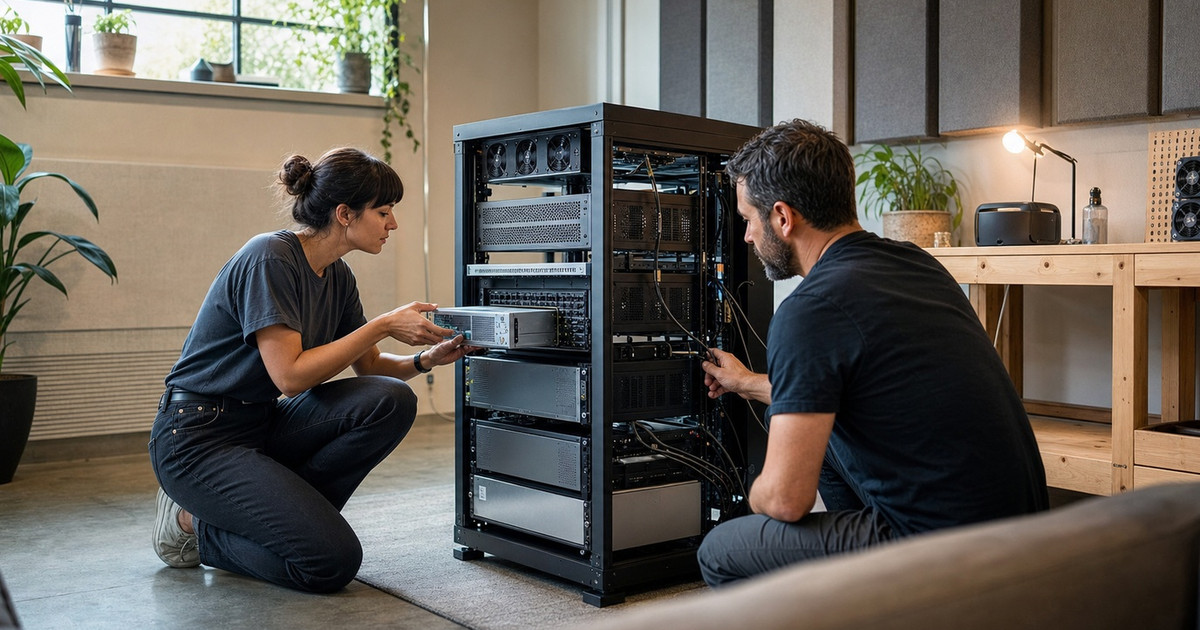
A practical self-hosted AI stack should start with a clear operating model, not just a local model. The stack needs an agent interface, model routing, private knowledge storage, tool permissions, browser or API automation, monitoring, backups, and a fallback path when local models are too slow or not good enough. For many small teams, the best setup combines local privacy for routine tasks with cloud fallback for high-quality generation.
Practical checklist
- Define which tasks need privacy, speed, quality, or tool access.
- Run a local inference layer such as Ollama or llama.cpp when local models are sufficient.
- Use an orchestration agent such as Hermes Agent for tools, memory, cron jobs, and workflows.
- Add MCP servers only when they provide clear tool value and can be secured.
- Document backups, logs, model routing, and recovery steps before relying on the system.
Decision criteria
| Question | Why it matters |
|---|---|
| Is the outcome clearly defined? | Clear outputs make research, automation, and AI workflows easier to verify. |
| Can claims be checked? | AI search systems and human clients both trust specific, source-backed claims more than vague promises. |
| Is there a human review point? | Human oversight keeps public content, supplier choices, and automation actions safer. |
Frequently asked questions
Is self-hosted AI cheaper than cloud AI?
Sometimes, but not always. It saves on repeated local tasks and privacy-sensitive workflows, while cloud models still help for peak quality.
What is the biggest risk?
Operational drift. Without logs, backups, and clear permissions, a local AI stack becomes hard to trust.
Related service
See Self-hosted AI system deployment for implementation help.
Need help with this?
Nguyen LNP AI can help turn this into a practical plan, supplier shortlist, automation workflow, or self-hosted AI system.
Contact Nguyen LNP or return to ai.nguyenlnp.com.