Knowledge guide
MCP Server Security Checklist for Self-Hosted AI
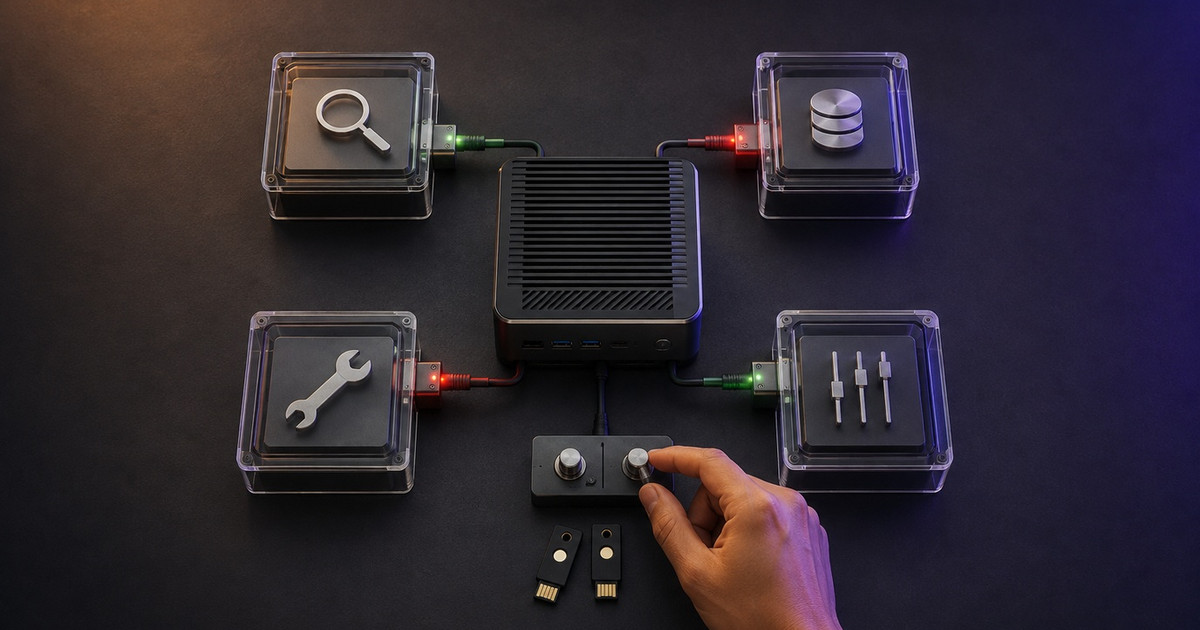
Use this MCP server security checklist to test permissions, OAuth, tool safety, prompt injection controls, logging, and recovery before deployment.
Data accurate as of September 2026 based on market research
Introduction
Before production, prove what an MCP server may access, who may call it, which actions require approval, and how you will contain a bad tool call. Test denied requests and safe failures before connecting live data.
This MCP server security checklist separates local stdio from remote HTTP and treats tool descriptions, results, and retrieved content as untrusted. The current MCP specification warns that tools expose code execution paths and that untrusted tool descriptions need caution.[4]
For host, model, memory, and recovery controls, use the AI agent security checklist. For help designing the environment, see my self-hosted AI systems service.
Contents
Truth Box
Classify the connection before securing it
MCP server security deployment gate
Test tools and untrusted content together
Remote OAuth checks that must pass
Evidence to keep after deployment
Common misconceptions
FAQ
Conclusion
Truth Box
| Key Point | Insight |
|---|---|
| Transport changes the plan | Local stdio and remote HTTP need different controls |
| Tool metadata is input | Descriptions, parameters, and results can affect model behavior |
| A valid token is not enough | Check issuer, audience, expiry, scope, and intended resource |
| Detection is one layer | Isolation, approvals, network rules, and recovery limit impact |
| Evidence decides release | Denied calls, redacted logs, revocation, and recovery tests prove controls work |
Classify the connection before securing it
Record the owner, transport, client, tools, credentials, data, network routes, and side effects. Then choose the control path.
| Deployment path | Main exposure | Starting control |
|---|---|---|
Local stdio |
Inherited files, environment, and network reach | Restricted user or container, limited secrets, files, and egress |
| Remote HTTP | Network callers, tokens, discovery, sessions, and redirects | HTTPS, standard auth libraries, metadata, audience checks, scopes, and rate limits |
| Proxy to another API | Delegated credentials and confused-deputy risk | Separate tokens, per-client consent, exact redirects, and no token passthrough |
The MCP authorization specification applies to HTTP transports. It directs stdio implementations to use environment-based credentials instead of the HTTP OAuth flow.[5] Local servers still need operating-system limits because the process may reach sensitive files, secrets, sockets, or networks.
MCP server security deployment gate
Use this table as a pass or fail release review. Keep evidence for each row.
| Control | Pass condition | Evidence |
|---|---|---|
| Inventory | Server, package, version, tools, owner, and purpose are recorded | Reviewed inventory |
| Package trust | Install source is reviewed, versions are pinned, and updates require a diff | Lockfile, commit, or package hash |
| Isolation | The process reaches only required files, secrets, privileges, and networks | Denied path and egress tests |
| Credentials | Credentials are purpose-specific, revocable, and narrowly scoped | Scope record and revocation test |
| Tool design | Names, descriptions, schemas, defaults, and outputs match one narrow job | Approved tools/list snapshot |
| Validation | The server checks types, ranges, paths, identifiers, and destinations | Negative tests for invalid and out-of-scope input |
| Untrusted content | Retrieved content cannot authorize later actions | Blocked injection and cross-tool tests |
| High-impact actions | External, privileged, destructive, or financial actions pause for review | Actor, target, action, and expiry record |
| Audit and alerts | Redacted logs identify the caller, tool, result, and policy decision | Safe event sample and alert test |
| Recovery | Operators can disable the server, revoke access, inspect actions, and restore state | Shutdown and recovery exercise |
The OWASP MCP Security Cheat Sheet covers tool poisoning, rug pulls, excessive permissions, supply-chain compromise, and sandbox escapes.[6] Recheck the advertised tool schema after upgrades and during operation. A clean install does not prove later behavior is safe.
Test tools and untrusted content together
Prompt injection tests should run where content can influence action. Use harmless data that tells the agent to ignore its task, reveal a test secret, or call an unrelated test tool. Pass only when the action is blocked, a policy event is recorded, and no side effect occurs.
Microsoft recommends layered defenses for indirect prompt injection, including content isolation, tool-chain analysis, short-lived privileges, and human review for risky actions.[12] Combine model-facing checks with deterministic controls. A classifier timeout must not silently allow a destructive call.
Keep read and write tools separate where possible. Return narrow structured fields when the task does not need a full document. A page, email, ticket, or tool response cannot grant permission. CISA's agentic AI guidance calls for careful design, deployment, and operation.[11]
Remote OAuth checks that must pass
Remote servers handling user data or sensitive operations should use standard authorization libraries. Current MCP guidance calls for short-lived tokens, encrypted token storage, HTTPS, narrow scopes, and correct WWW-Authenticate challenges.[3]
Test these conditions:
- The server publishes protected resource metadata as required by MCP and RFC 9728.[5][10]
- The client includes the canonical server URI as the
resourcein authorization and token requests.[1][5][9] - The server rejects a token with the wrong issuer, audience, expiry, signature, or scope.[1][3]
- The server never forwards the client's token unchanged to an upstream API.[1][2]
- Redirect URIs use exact matching, PKCE is enforced where required, and authorization state is validated.[1][8]
- Metadata discovery and redirects cannot reach private, loopback, link-local, or cloud metadata addresses outside a controlled development exception.[2]
Use separate tokens for the MCP server and upstream APIs. RFC 8707 lets a client identify the protected resource so the authorization server can restrict the token's audience.[9] RFC 9700 is the wider OAuth security baseline.[8]
Evidence to keep after deployment
Keep the inventory, pinned package reference, tool-schema snapshot, permission map, credential owner, network policy, injection tests, approval policy, redacted audit sample, revocation procedure, and recovery result. Do not log authorization headers, access tokens, raw secrets, or full private documents.
Watch for new servers, changed tools, broader scopes, unusual destinations, repeated denials, and missing telemetry. Use the AI agent observability checklist to reconstruct a failed run.
No reliable universal review interval was found. Review after installation, version or schema changes, new tools, wider scopes, new data sources, transport changes, and incidents.
Common misconceptions
| Myth | Correction |
|---|---|
| A local MCP server does not need security controls | Local processes can inherit broad file, credential, and network access, so operating-system isolation still matters |
| OAuth secures the whole agent | OAuth controls access. It does not neutralize poisoned tool output, unsafe arguments, excessive tool reach, or bad approval design |
| Prompt injection detection makes tools safe | Detection is one layer. Least privilege, structured validation, isolation, approval, logging, and recovery limit the damage when it fails |
FAQ
What is the first step in an MCP server security checklist?
Classify the server as local stdio, remote HTTP, or a proxy to another API. Then inventory its tools, credentials, data, network access, and possible side effects.
Does a local MCP server need OAuth?
Usually not for local stdio. MCP directs stdio implementations toward environment-based credentials, while HTTP uses the authorization specification. Local services still need restricted users, files, secrets, and network access.
How should a remote MCP server validate access tokens?
Validate the signature or introspection result, issuer, intended audience, expiry, and required scope. Reject tokens issued for another resource and never pass a client token through unchanged to an upstream API.
Can prompt injection be prevented completely?
No reliable source reviewed for this guide promises complete prevention. Reduce the chance and impact with content isolation, narrow tools, server-side validation, short-lived permissions, approvals, monitoring, and recovery tests.
What evidence should I keep for an MCP security review?
Keep the server inventory, pinned version, tool-schema snapshot, permission map, credential owner, network policy, negative tests, approval rules, redacted audit sample, revocation test, and recovery result.
Conclusion
Release an MCP server only after you have watched it reject the wrong token, blocked an out-of-scope tool call, contained poisoned test content, recorded a safe audit event, and recovered from a controlled failure.
For help mapping and testing a private MCP deployment, contact [email protected] or review my self-hosted AI systems service.
Sources
[1] https://modelcontextprotocol.io/specification/2026-07-28/basic/authorization/security-considerations | MCP Authorization Security Considerations [2] https://modelcontextprotocol.io/docs/2026-07-28/tutorials/security/security_best_practices | MCP Security Best Practices [3] https://modelcontextprotocol.io/docs/2026-07-28/tutorials/security/authorization | Understanding Authorization in MCP [4] https://modelcontextprotocol.io/specification/2026-07-28 | Model Context Protocol Specification 2026-07-28 [5] https://modelcontextprotocol.io/specification/2026-07-28/basic/authorization | MCP Authorization Specification [6] https://cheatsheetseries.owasp.org/cheatsheets/MCP_Security_Cheat_Sheet.html | OWASP MCP Security Cheat Sheet [8] https://datatracker.ietf.org/doc/html/rfc9700 | RFC 9700 OAuth 2.0 Security Best Current Practice [9] https://www.rfc-editor.org/rfc/rfc8707.html | RFC 8707 Resource Indicators for OAuth 2.0 [10] https://www.rfc-editor.org/rfc/rfc9728.html | RFC 9728 OAuth 2.0 Protected Resource Metadata [11] https://www.cisa.gov/resources-tools/resources/careful-adoption-agentic-ai-services | CISA Careful Adoption of Agentic AI Services [12] https://learn.microsoft.com/en-us/security/zero-trust/sfi/defend-indirect-prompt-injection | Microsoft Defend Against Indirect Prompt Injection
Need help applying this?
See the related service page: Self-hosted AI system deployment or email [email protected].